


Quick Guide to Smart TV Setup
- Sep 22, 2025
- 3 min read
Setting up a smart TV can feel like a daunting task. But honestly, it’s not rocket science. With a few simple steps, you can have your new TV ready to stream, browse, and entertain in no time. Ready to dive in? Let’s get your screen glowing with your favourite shows and apps today! 📺✨
Your Smart TV Setup Guide: Step-by-Step
First things first, unbox your smart TV carefully. Place it on a stable surface or mount it on the wall if you prefer. Make sure you have all the accessories: remote, power cable, and any included manuals.
Next, connect your TV to power and turn it on. You’ll be greeted by a setup wizard that guides you through the initial steps. Here’s what you’ll typically do:
Select your language and region - This ensures your TV displays the right content and settings.
Connect to Wi-Fi or Ethernet - This is crucial for accessing apps and streaming services.
Sign in or create an account - Many smart TVs require a user account to download apps and personalise your experience.
Update your TV’s software - Always do this to get the latest features and security patches.
Set up your preferences - Picture mode, sound settings, and any parental controls.
Don’t rush. Take your time to read each prompt. If you get stuck, the manual or online support can be a lifesaver. And hey, if you want a hassle-free experience, consider a professional smart tv setup service. They’ll have you streaming in a flash.

Connecting Your Smart TV to the Internet: What You Need to Know
Without internet, your smart TV is just a fancy screen. So, how do you get it online? Most smart TVs offer two options:
Wi-Fi connection: Convenient and wireless. Just select your home network and enter the password.
Ethernet cable: Wired connection for faster, more stable internet. Ideal if your Wi-Fi is spotty.
Here’s a quick tip: If your Wi-Fi signal is weak near your TV, try moving your router closer or use a Wi-Fi extender. Nothing kills binge-watching faster than buffering!
Once connected, test your internet speed using the TV’s built-in tools or apps like YouTube. If videos load smoothly, you’re good to go.

Does a Smart TV Connect Directly to the Internet?
Yes, it does! Smart TVs have built-in network adapters that allow them to connect directly to the internet without needing an external device. This means you can stream Netflix, YouTube, or browse the web right from your TV.
But remember, the quality of your internet connection affects your viewing experience. A slow connection means lower video quality and annoying pauses. So, always aim for a stable, high-speed internet plan.
Also, keep your TV’s firmware updated. Manufacturers often release updates that improve connectivity and add new features. You can usually set updates to happen automatically or check manually in the settings menu.
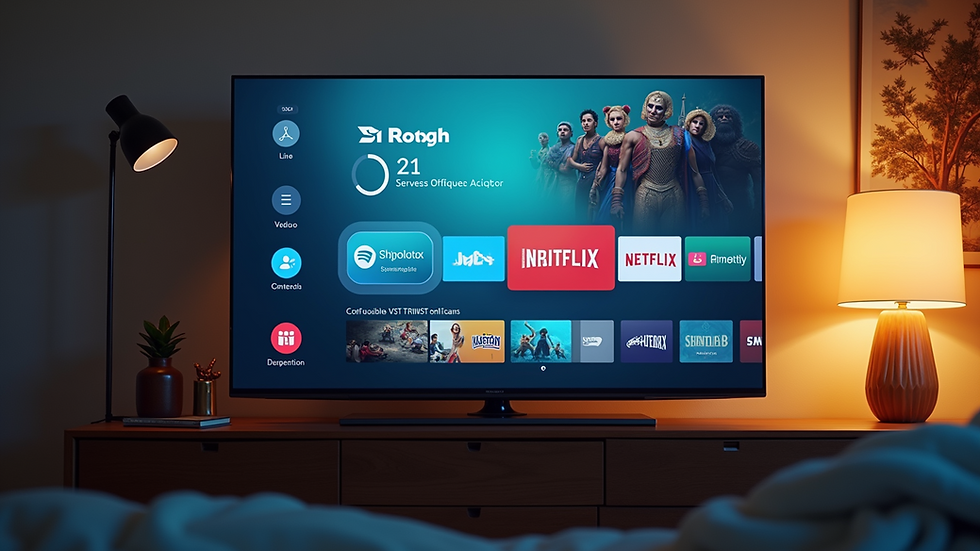
Tips for Optimising Your Smart TV Experience
Once your TV is set up and online, it’s time to make the most of it. Here are some quick tips:
Download essential apps: Netflix, Disney+, Amazon Prime, and local streaming services.
Use voice control: Many smart TVs support voice assistants like Google Assistant or Alexa. It’s a game-changer for hands-free control.
Adjust picture settings: Use presets like Cinema or Game mode for the best visuals.
Secure your TV: Change default passwords and review privacy settings to protect your data.
Connect external devices: Soundbars, gaming consoles, or USB drives can enhance your setup.
If you’re setting this up for a business or public space, consider professional installation to ensure everything runs smoothly and securely.
Why Professional Smart TV Setup Can Save You Time and Stress
Let’s be honest - not everyone loves fiddling with tech. If you want to avoid the headaches, a professional smart tv setup service is worth considering. Experts can:
Ensure your TV is mounted safely and positioned perfectly.
Connect all devices and configure network settings.
Optimise picture and sound quality.
Provide ongoing support and troubleshooting.
For individuals and businesses in Taranaki and Greater New Zealand, partnering with a local IT expert means faster service and tailored advice. Plus, you get peace of mind knowing your tech is in good hands.
Ready to upgrade your viewing experience? Don’t wait until frustration sets in. Reach out and get your smart TV setup done right the first time.
Setting up your smart TV doesn’t have to be a chore. With these clear steps and tips, you’re well on your way to enjoying all the benefits of modern entertainment technology. Whether it’s for home or business, a smooth setup means more time watching and less time troubleshooting. So, why not start today? Your next favourite show is just a few clicks away! 🎬📡

Comments